Step to Stl
Free Online STEP to STL Converter & 3D Model Inspector
📂
or
Drag & drop .step / .stp files here to convert
STEP to STL Conversion Example
🚀 Launch Demo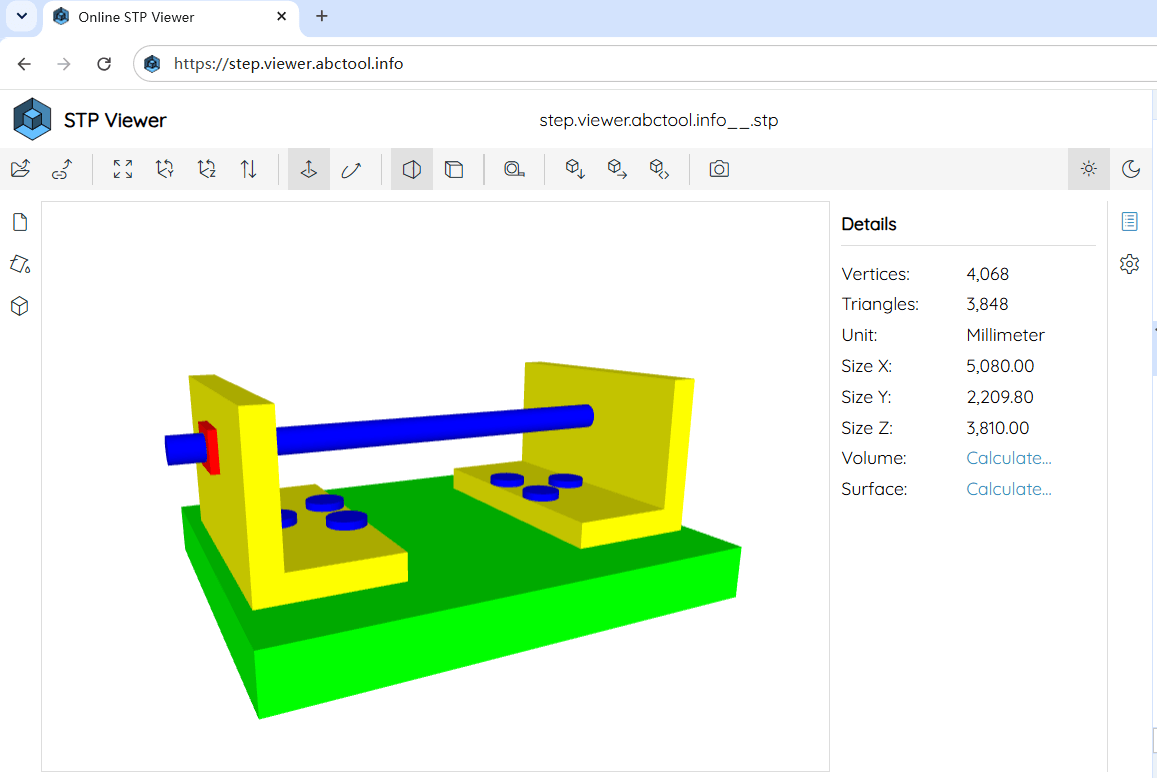
How to Convert STEP to STL Online?
1
Upload STEP File
Click Open to select your .stp or .step CAD model, or drag & drop it directly onto the converter.
2
Preview 3D Mesh
Rotate 360°, inspect CAD solid geometry, measure bounding box dimensions, or slice section planes in 3D.
3
Export STL File
Click the Export toolbar button, choose STL Binary or STL Text format, and download your file.
Why Convert STEP Files to STL Format?
Step to Stl bridges industrial CAD design and additive manufacturing. Instantly convert STEP (.stp/.step) solid geometries into 3D printable STL (.stl) triangle meshes directly in your web browser:
🖨️ 3D Printing & Slicer Ready
STEP files store mathematically exact B-Rep solids. Converting them to STL triangulates geometries into polygon mesh models compatible with Cura, PrusaSlicer, Bambu Studio, and OrcaSlicer.
⚡ 100% Client-Side Safe & Secure
All CAD geometry parsing and STL conversion take place locally in your browser memory. Your confidential CAD designs are never uploaded to remote servers.
🛠️ Cross-CAD Software Compatibility
Seamlessly convert STEP files exported from major CAD suites like SolidWorks, Fusion 360, Autodesk Inventor, CATIA, PTC Creo, Siemens NX, and FreeCAD.
📐 3D Dimension Inspection & Measurement
Measure exact bounding box lengths (X, Y, Z), total surface areas, and component volumes before generating your STL file.
✂️ Internal Geometry Section Clipping
Slice through complex 3D assemblies along the X, Y, or Z axes to verify internal wall thicknesses and structural cavities before 3D printing.
📦 Binary STL & Text STL Options
Export in compact Binary STL for faster slicer loading and smaller file sizes, or choose Text (ASCII) STL for human-readable mesh data.
Understanding STEP vs. STL Formats
📄 STEP / STP (ISO 10303)
STEP is a high-precision CAD format storing mathematical solid surfaces and multi-body assembly hierarchies. It is the standard format for engineering design and CNC manufacturing.
📐 STL (Stereolithography)
STL represents 3D surfaces as a series of connected triangles. It is the universal standard format used by 3D printers, slicers, and 3D rendering engines.